
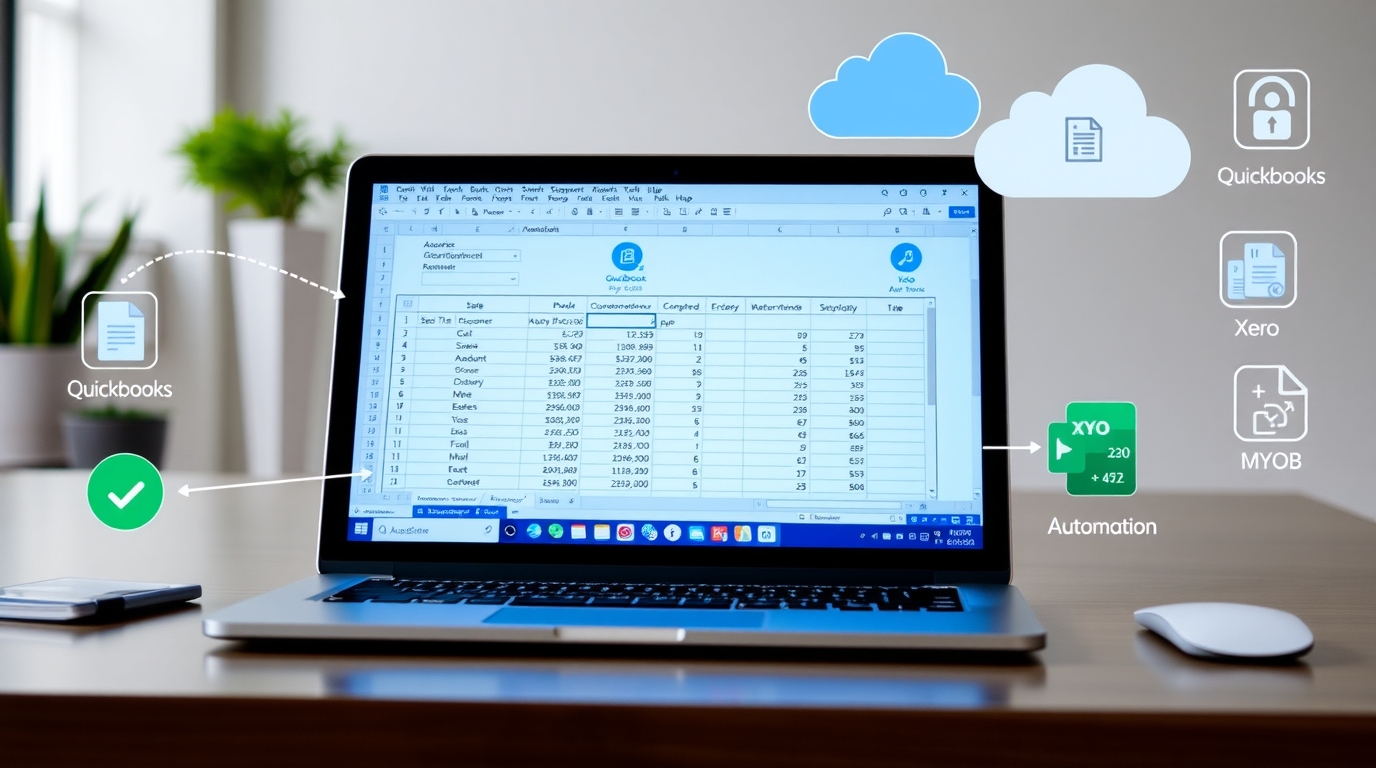
From Statement to Spreadsheet: Bank Statement Scanning Software You’ll Love
Published 30 Nov 2025·Written by Instant Receipts Team
Introduction
As you know, cluttered bank statements require much time for copying and data entry. It can frustrate to anyone due to some compliance issues. Instant Receipts is a fantastic tool that facilitates some beneficial features to save you time. This bank statement scanning software uses OCR technology to convert your PDF statements into structured spreadsheets within minutes. Let's walk through bank statement data extraction software in detail.What Is a Bank Statement Scanning Software?
A tool that is used to convert bank statements into digital form is called bank statement scanning software. It scans the statements, paper-based or in different formats, using OCR technology and AI extraction. This wonderful scanning software supports small businesses to detect transaction details, such as date, amount, or balance, and converts them into spreadsheet formats.Some Key Features Make It Essential For Small Businesses
Several features of this software make it special and essential. Let's start.Data Extraction
This wonderful tool scans and tracks the statements with optical character recognition technology. OCR extracts the data directly from statements automatically. This automatic extraction saves your precious time.Integration With Accounting Software
This software is integrated with multiple accounts, like QuickBooks or Xero. You can sync scanned transactions from these accounts within minutes. This feature can speed up the workflow of Australian small businesses.Compatible With PDFs and CSVs
It can deal with both digital and paper-based statements. You can manage all the statements in PDF, CSV, or XLS formats. You can also deal with scanned images from multiple banks.Accuracy With Verified Transactions
This tool can easily identify duplicate transactions and missing entries within minutes. In this way, you can ensure accuracy and flag suspicious transactions. This automated accuracy builds your business confidence.High Transaction Volumes
You can grow and scale your business by using this software. It can also reduce repetitive manual effort. The handling of multiple transactions in real time creates a great impact on your reputation in the market.Hurdles in Manual Processing
In this digital age, we face a lot of difficulties while manually processing. This manual management led to a lot of issues. These numerous issues cause damage to your reputation in the market. Small businesses need a tool or software to avoid all the challenges they face in their daily financial system. Here, we will discuss some significant hurdles or challenges that small businesses face, as follows;- Time-consuming and slow transaction recording
- Compliance issues due to error-prone data entry
- Difficulty in managing multiple transactions
- Slower decision-making
- Privacy and compliance risks
- Increased operational expenses
How Does Scanning Software Work?
Do you want to know how this software work It works effectively to save small businesses from all those hurdles, they face in manual processing. Lets see how it works.Convert PDF Bank Statements to Excel
You can upload, scan, and convert bank statements into clean spreadsheets. This scanning software connects directly to bank portals. In simple terms, small businesses can handle a lot of statements in different formats, such as PDF, CSV, XLS, or even scanned images.Data Extraction With OCR
The finance team or small businesses can save hours of work, using this software with OCR technology. Optical Character Recognition reads and extracts data from bank statements automatically. It not only extracts transaction details but also sorts them out to reduce errors in transaction recording.Statements Validation and Error Checking
This scanning software can easily eliminate duplicate data. Small entrepreneurs can easily review and correct any highlighted issues. Here is a table that helps you to understand how it works at a glance.| Step | Action | Output | Tool Feature | Who Benefits |
| 1. Text Capture | Scans statements, converts text to digital | Raw transaction data | OCR engine | Finance teams |
| 2. Field Mapping | Automatically separates dates, amounts, descriptions | Structured transaction rows | Auto-mapping | Bookkeepers, SMEs |
| 3. Consistency Check | Detects duplicates, missing entries, or errors | Verified, clean data | Validation & verification | CFOs, auditors |
| 4. Export/Sync | Sends to Excel, CSV, or accounting software | Ready-to-use financial file | Accounting integration | Small businesses, freelancers |
| 5. Security | Encrypts and stores | Protected records | Data encryption & secure storage | Any business handling sensitive data |
Instant Receipts’ Importance
Instant Receipts is an ideal digital tool that can effectively- scan, track, and manage receipts
- bank statements, or tax expenses
- scale for small businesses
- keep clean, audit-ready records
Conclusion
Ready to get started? Follow our step-by-step guides to import bank statements or export them in multiple formats.
Small businesses can grow their business and workflow using this simple tool. It can extract data from statements using OCR and AI. This bank statement data extraction software prevents you from errors encountered with manual entry. It can also convert paper-based statements into spreadsheets. Do you want your bank statements to be errorless and organized? You must use the OCR bank reconciliation tool. This tool can convert PDF bank statements to Excel. To have all your bank statements in one place, you must download this software.