
Generate GST Collected vs Paid Report as PDF
Prerequisites
- ✓In order to download the PDF version of your report, make sure you have recorded GST-applicable transactions in the system
- ✓You should have the authority to access the Reports page
- ✓Please ensure all your transactions are properly tagged with tax codes
Outcome
- Ready for tax returns and compliance
- Ensure accurate reporting for GST obligations
Steps
Navigate to Reports
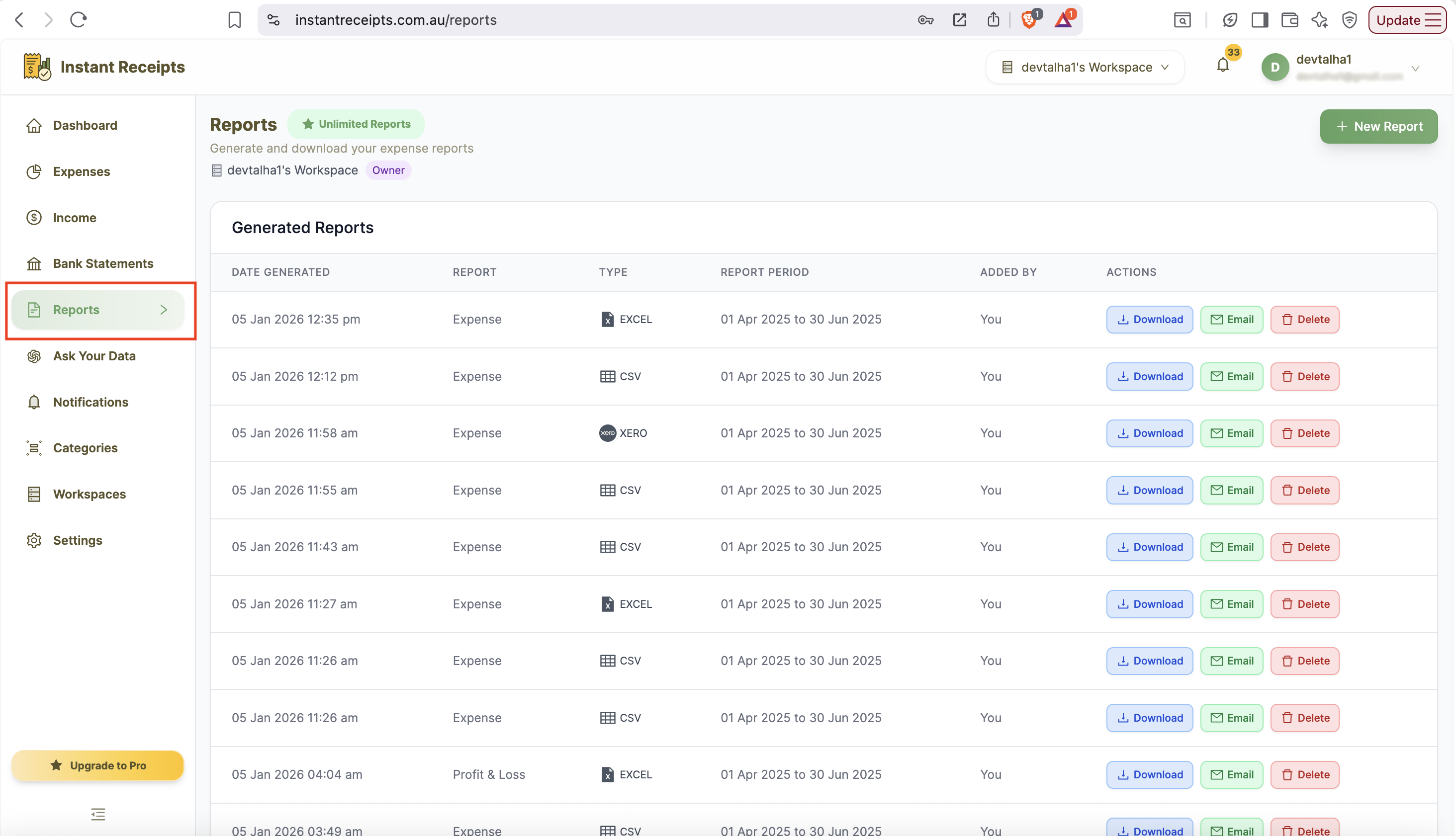
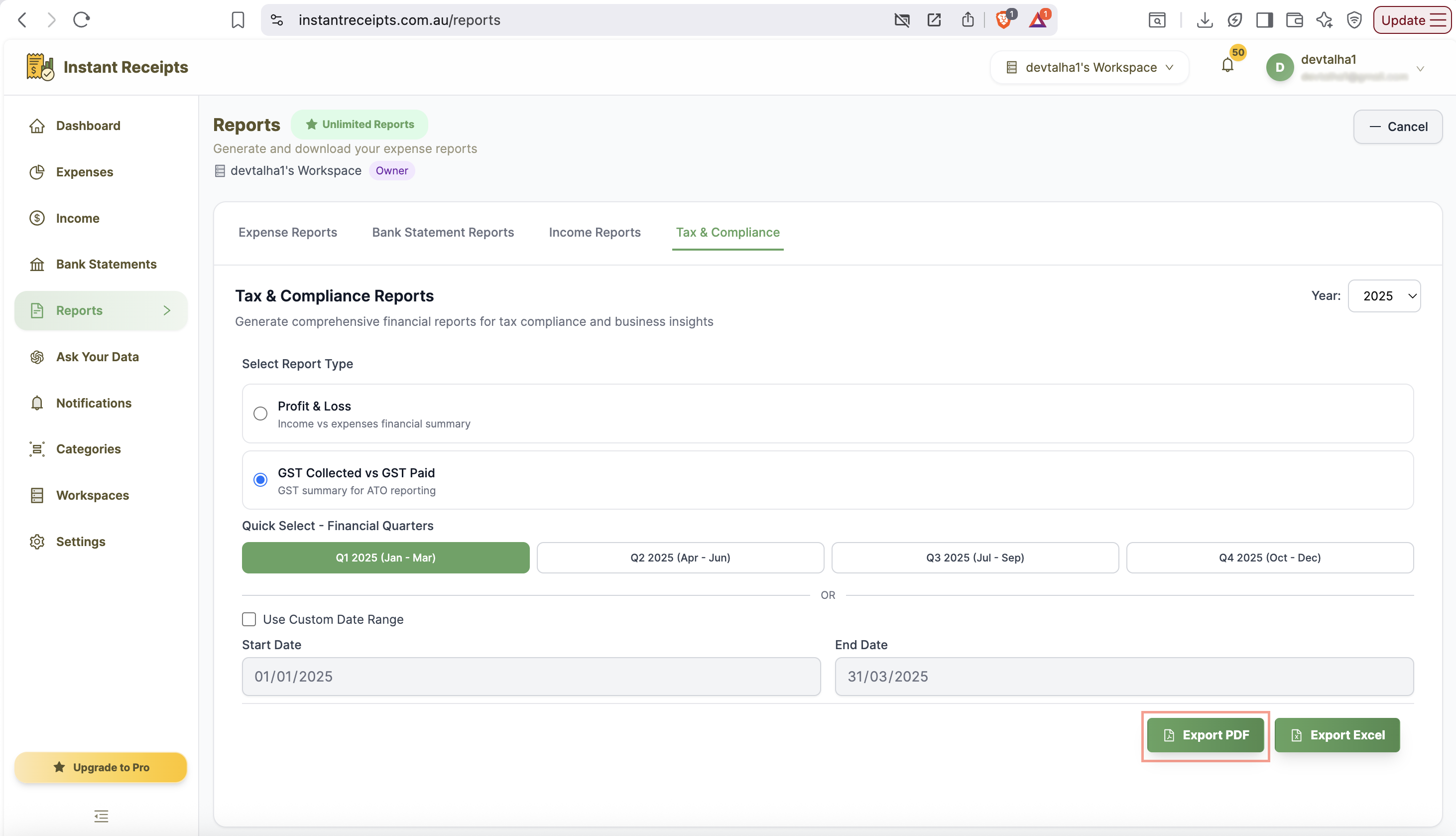
To start downloading your GST paid Vs collected report as a PDF, first of all navigate to your dashboard on InstantReceipts. From your dashboard, find the report section in the left-side trail. Click on the Reports. Now, click on the Tax & Compliance tab.
Select GST Report Type
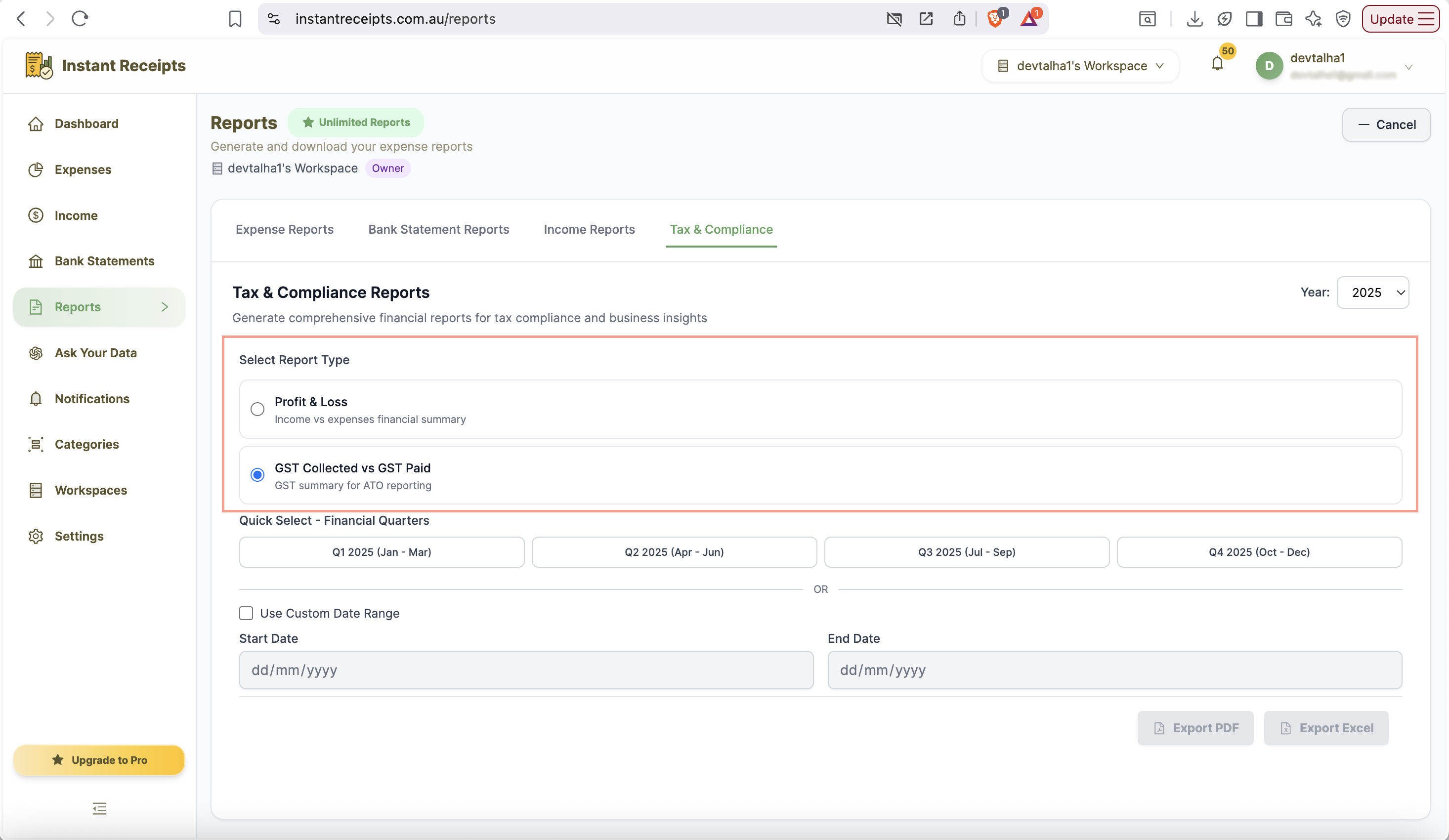
Now select the Tax and Compliance Report. On this tab, you will find two options: one for Profit and loss other for GST collected vs GST paid. You need to select the "GST Collected vs Paid" as your report type.
Select Your Date Range
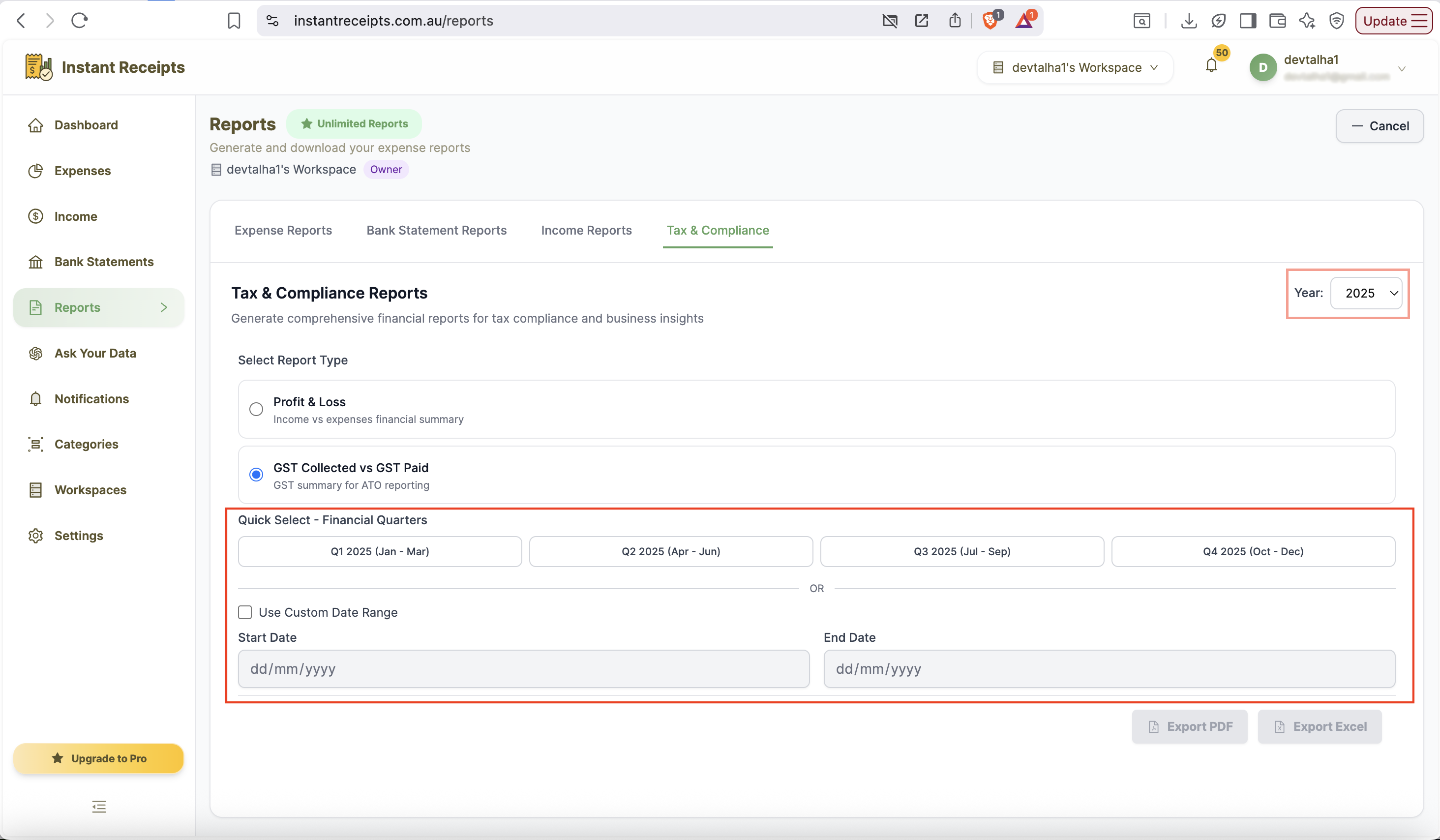
Now you can select the duration for which you want to generate the report. You can choose how to filter your report by date using Quick Select quarters or a custom date range.
Review GST Settings
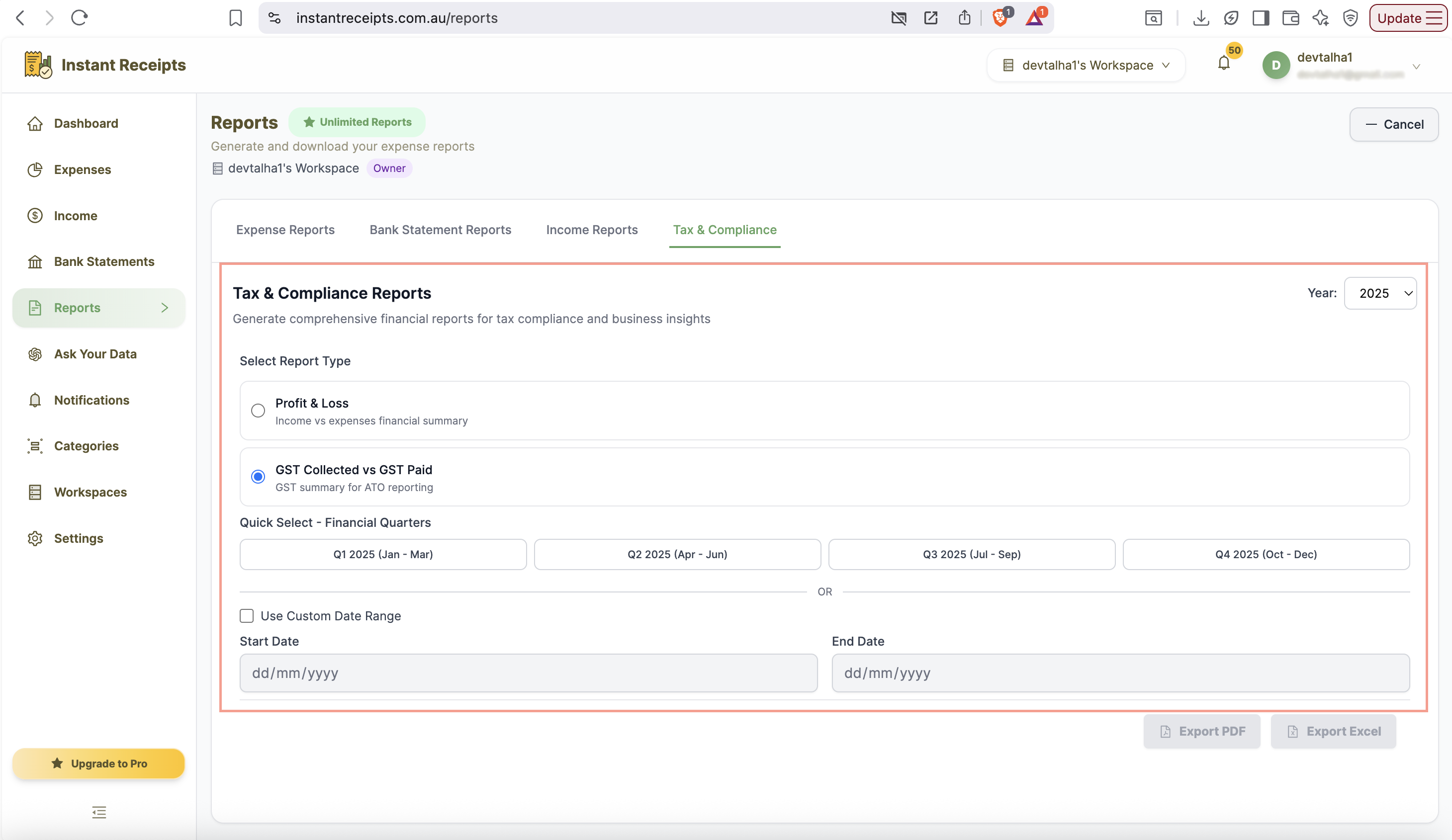
Before completing the report generation, please verify that your GST settings and transaction tags are correct.
Click PDF Button
Now, locate and click the PDF export button. You can find this button at the bottom of the report generation panel.
Download Your GST Report
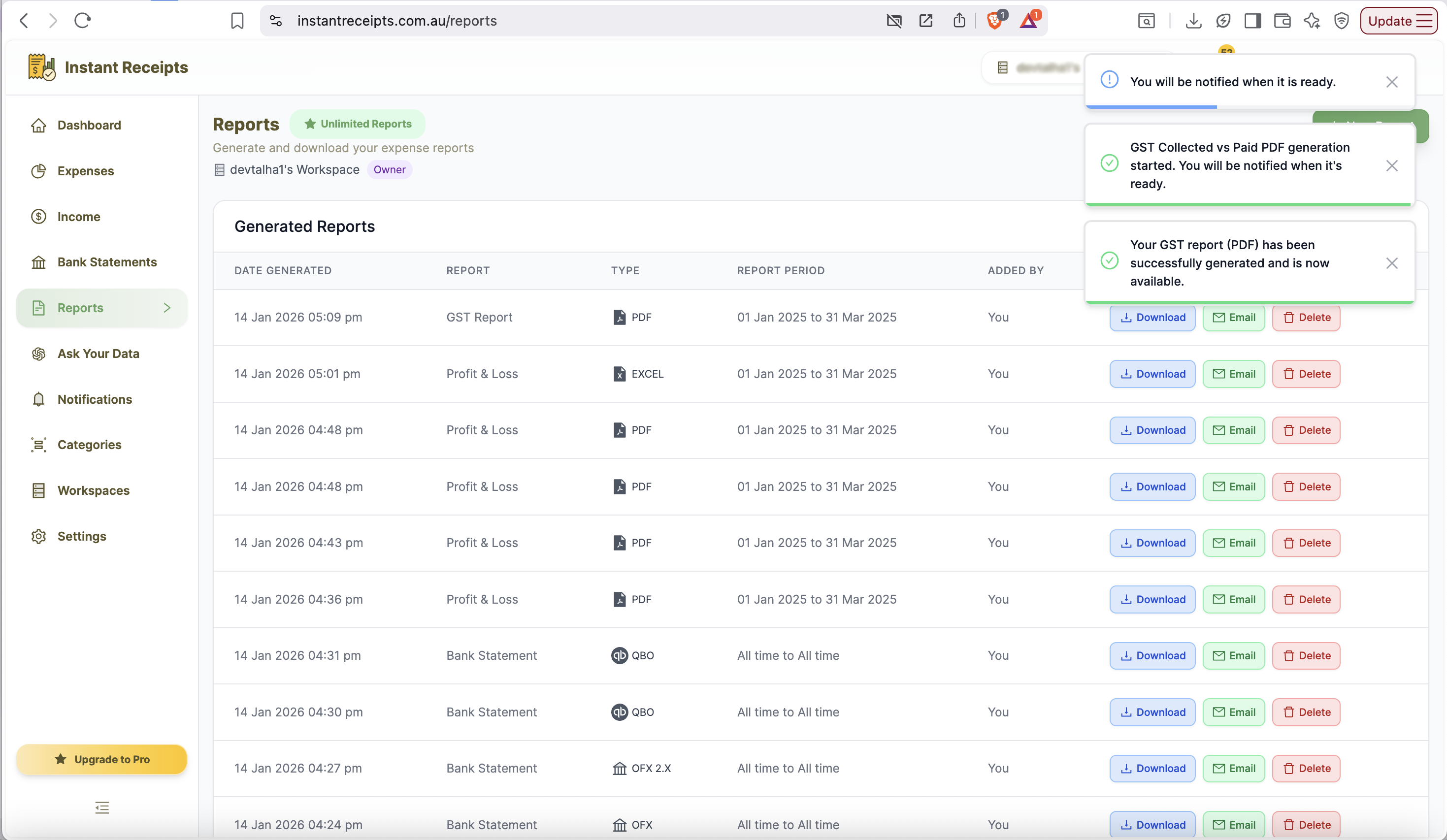
Finally, download the PDF file. You can now use this file for your GST tax return filing with the tax authority.
Preview Your GST PDF Report
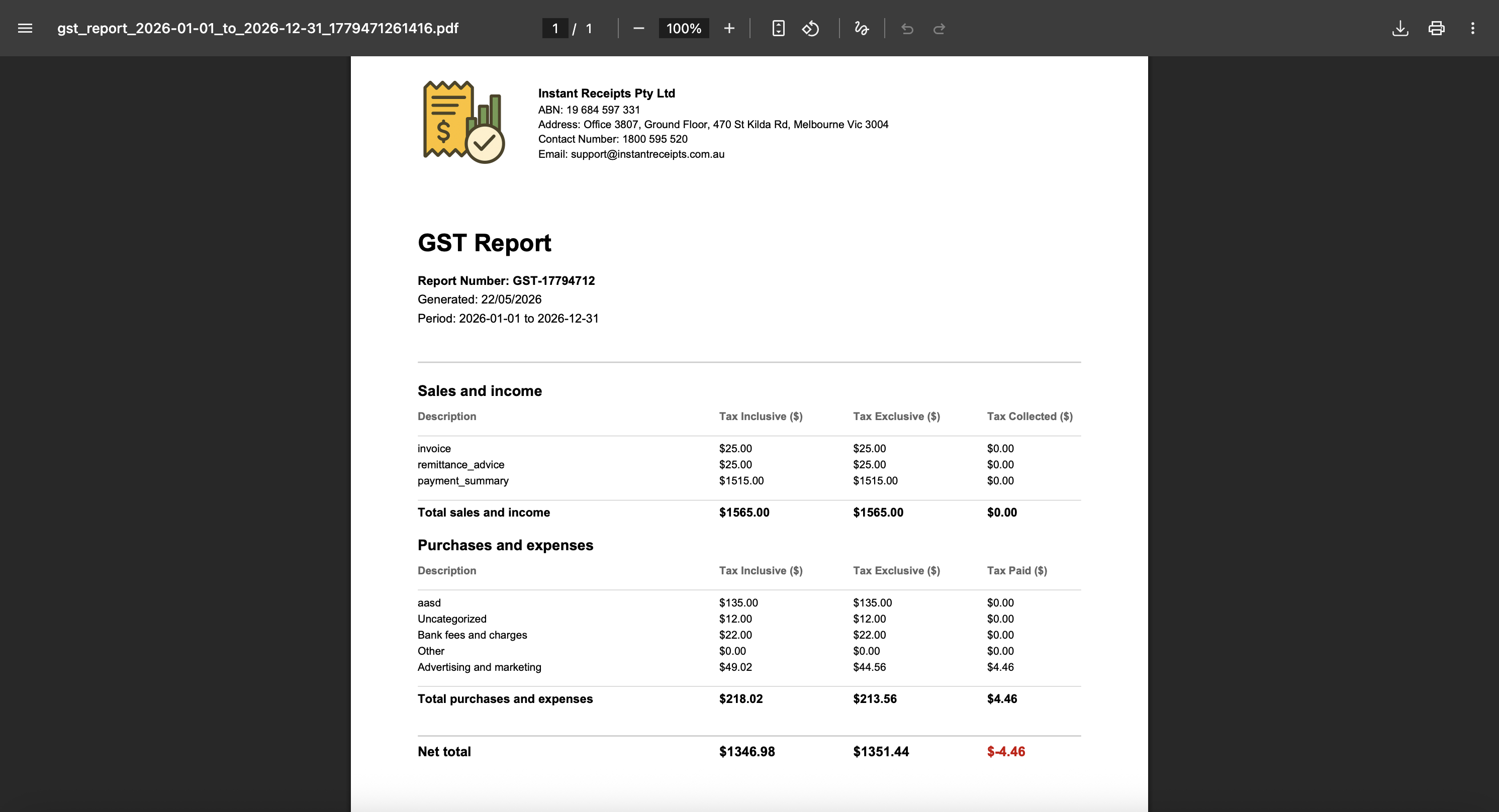
Your GST Collected vs Paid report is now ready. Open the PDF to review your GST summary and share it with your accountant or use it for your tax return.
Troubleshooting
GST calculation appears incorrect
If some of your GST calculations are not there in your reports. Please ensure all transactions are properly tagged with the correct tax codes. You should also verify that GST-applicable items are correctly marked. Lastly, you can check that your tax settings are configured correctly in the system.
PDF won't open
If your profit loss report PDF file is not opening properly, you can try to download it again. To open the file properly, please ensure you are using a standard PDF file reader. You can use Adobe Reader, Preview on Mac, or any modern browser.
Some transactions are missing from the report
If you are unable to find all your GST-applicable transactions in your report. Please make sure you have properly recorded and tagged all your GST-applicable transactions. You should also check for any pending or draft transactions.
PDF looks different when printed
If your PDF isn't the same after printing, it might be due to your printer settings. Check your printer settings and preview the file before printing. Another method you can pick is to adjust page scaling or margins before printing.