


Export TPAR Lodgment File (.TPAR)
Prerequisites
- ✓You have recorded contractor payments in the system
- ✓You have access to the Reports page
- ✓Every contractor expense you want included has a supplier attached - expenses without a matching supplier can't be included and will cause generation to fail
- ✓You have reviewed the TPAR PDF or Excel summary for accuracy first
Outcome
- A fixed-width .TPAR file matching the ATO's lodgment specification
- Ready to lodge electronically, unlike the PDF/Excel summaries
Steps
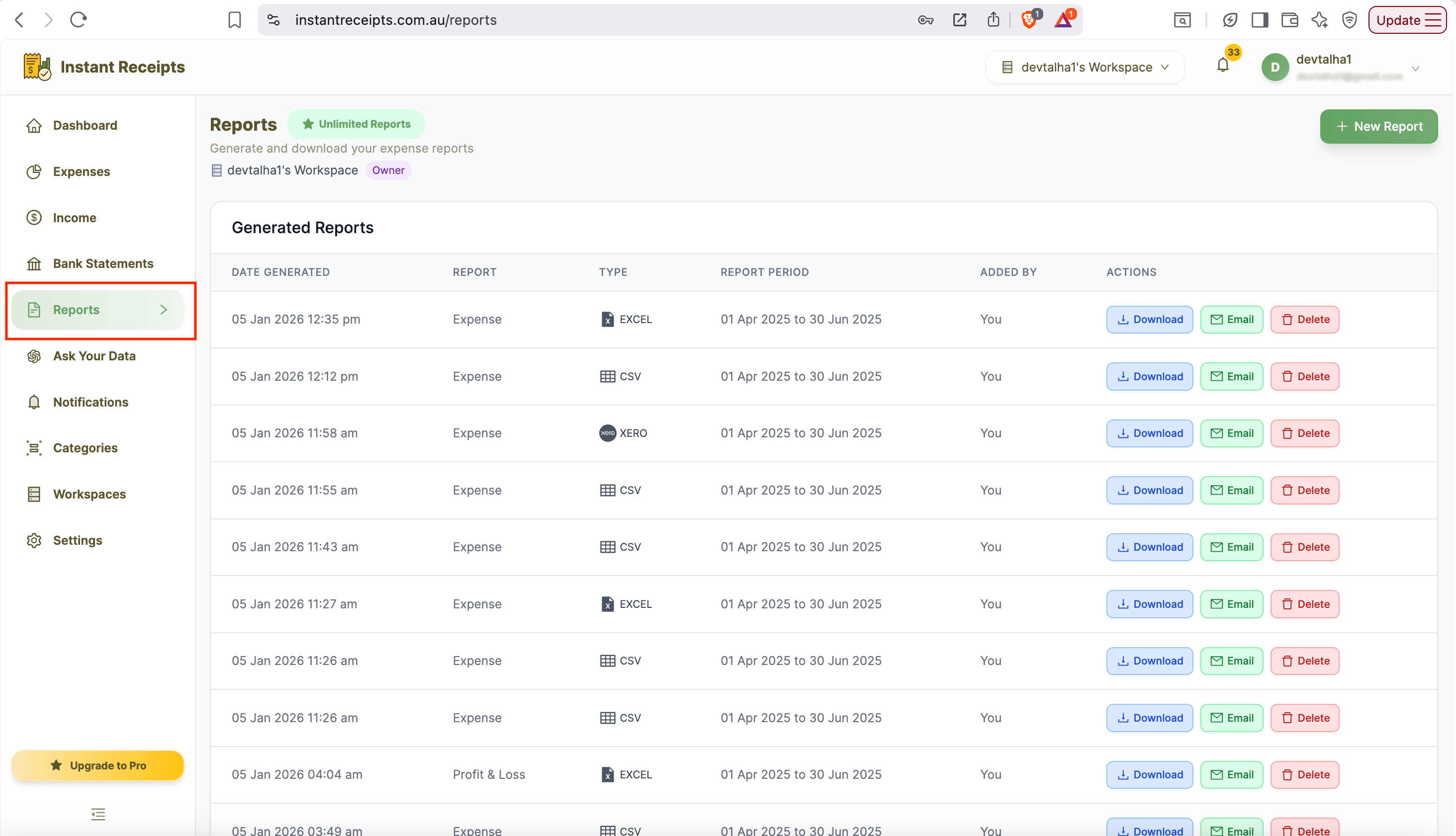
Navigate to Reports
Go to your dashboard, click Reports in the main navigation, then click the Tax & Compliance tab.
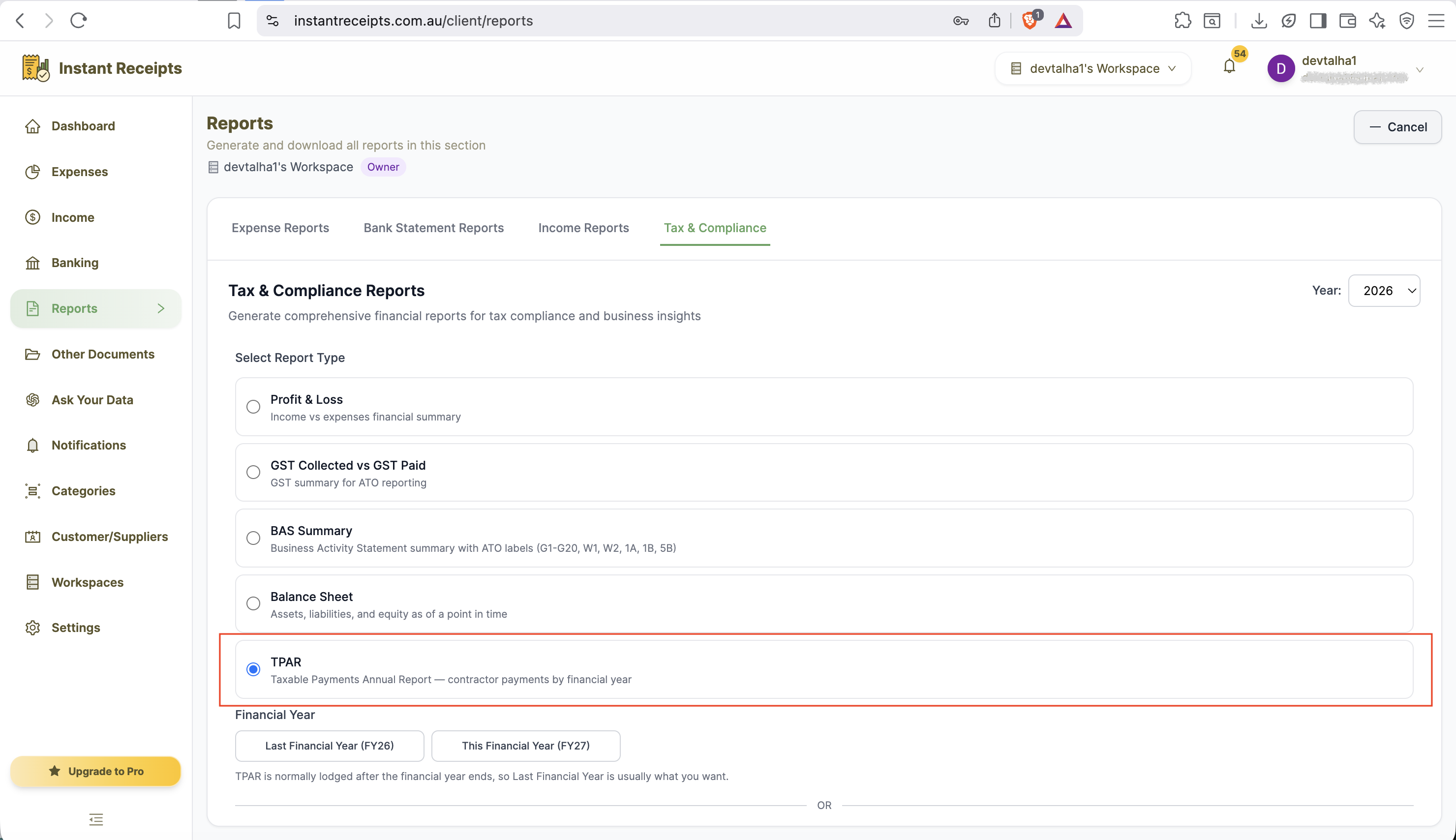
Select TPAR
Select "TPAR" as your report type. This unlocks the third "Export .TPAR" button alongside the usual PDF/Excel options.
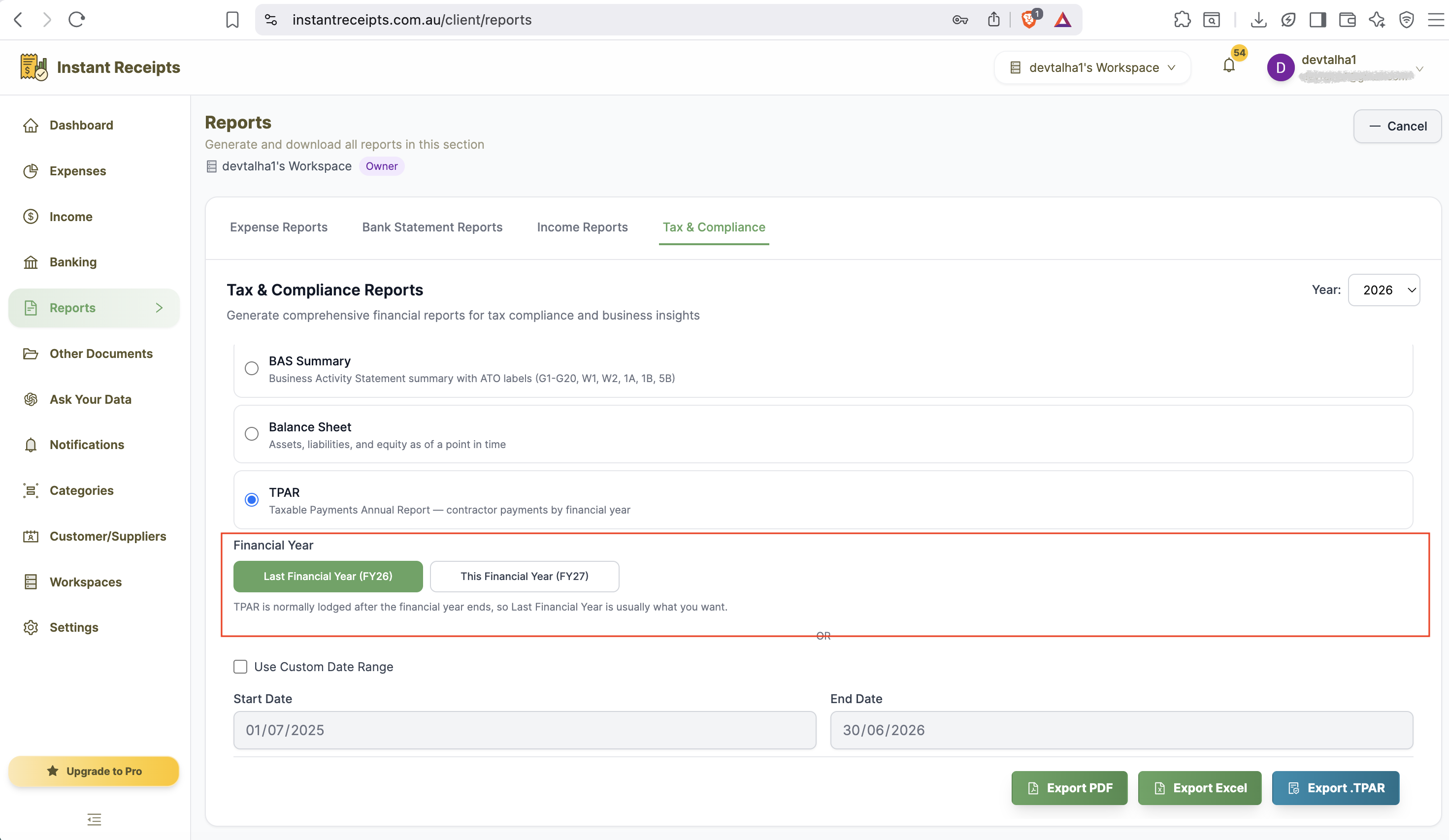
Select the Financial Year
Choose the financial year to lodge for - normally Last Financial Year, since TPAR is lodged after the year ends.
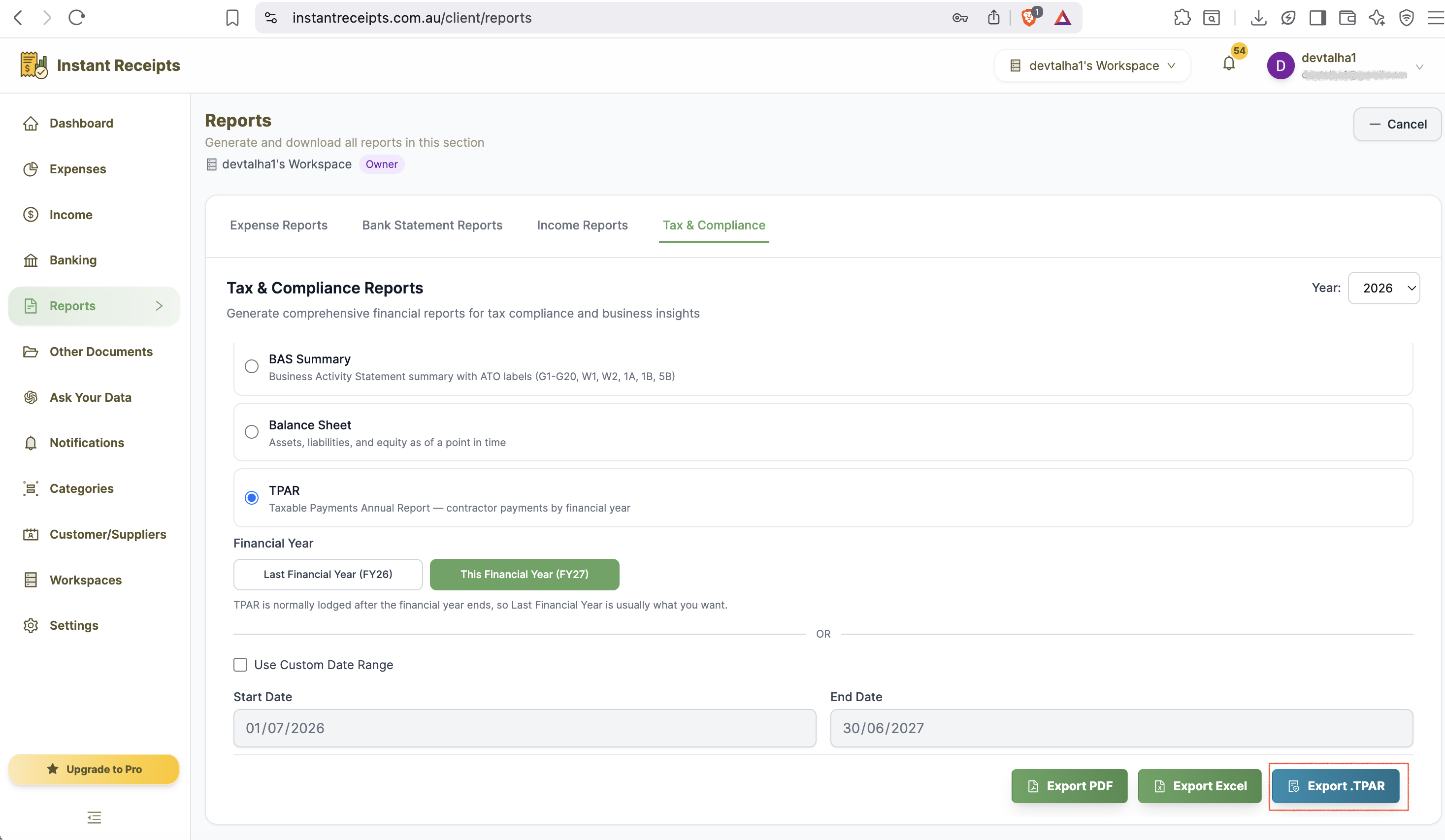
Click Export .TPAR
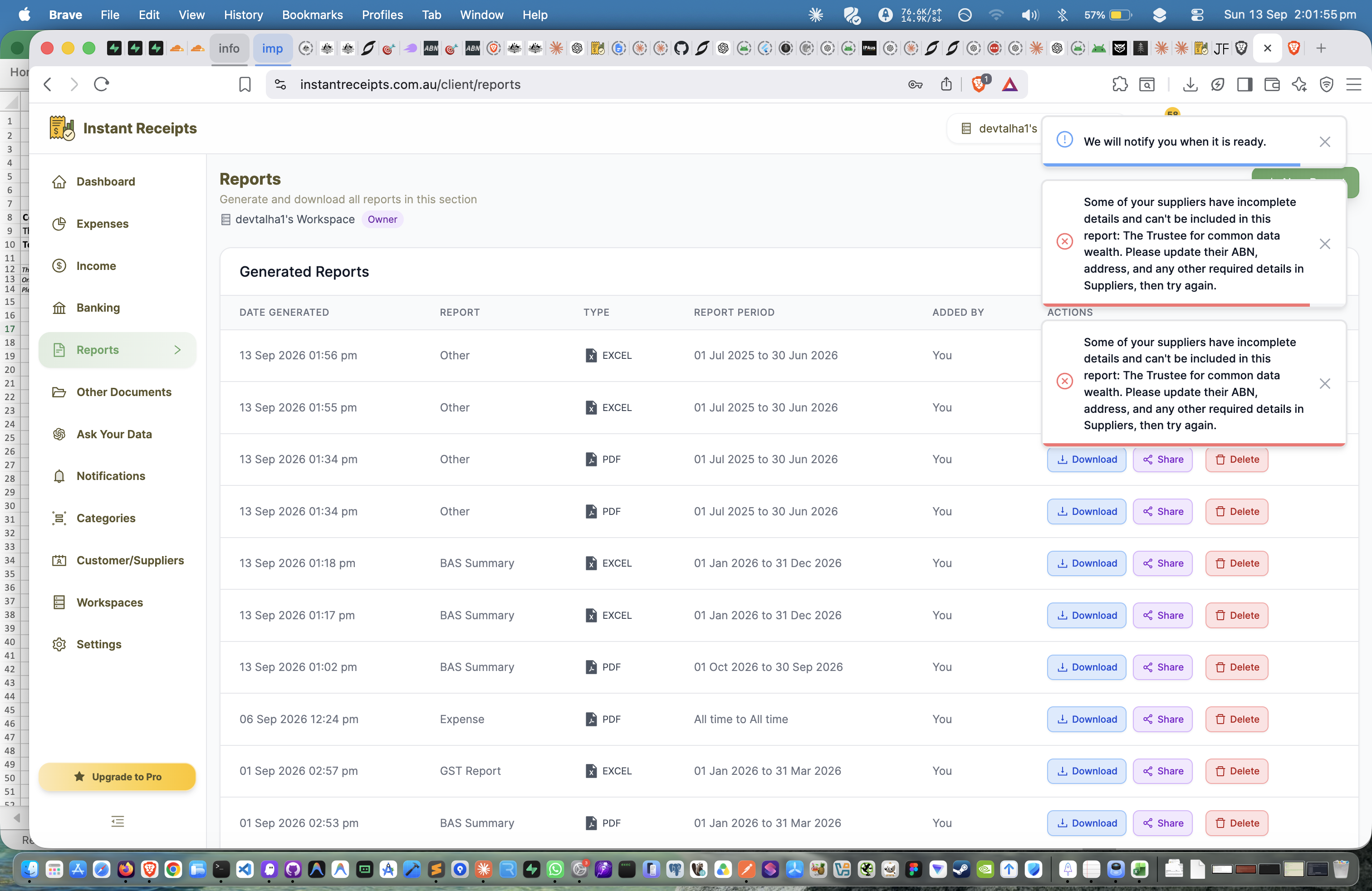
Click "Export .TPAR". This is a separate button from PDF and Excel and only appears when TPAR is selected as the report type - it produces the fixed-width file matching the ATO's own electronic lodgment specification. If your suppliers don't match up with your contractor expenses, generation will fail - go back and attach a supplier to each contractor expense before trying again.
Download Your Lodgment File
Once generation succeeds, simply download the .TPAR file from the Generated Reports section in the main reports list. This file is ready to lodge through the ATO's electronic lodgment channels.
Troubleshooting
Please select a date range error
Pick Last Financial Year, This Financial Year, or a custom date range before generating.
TPAR file won't generate
This almost always means one or more contractor expenses don't have a supplier attached. Go to your expenses, make sure every contractor payment you want included in the TPAR has a supplier record attached, then try exporting again.
Not sure this is different from the PDF/Excel TPAR options
It is - the PDF and Excel TPAR reports are human-readable summaries for your own review, not lodgement-ready. Only the "Export .TPAR" button produces the fixed-width file the ATO accepts for lodgment.
ATO lodgment portal rejects the file
Confirm you are uploading the .TPAR file (not the PDF or Excel summary) and that all contractor ABNs and payment amounts in the underlying records are complete and correct.